 VX Docs
UWP loopback exemption (Windows)
Allow Microsoft Store (UWP) apps to connect through VX on localhost
On Windows, UWP apps (apps installed from the Microsoft Store) are blocked from connecting to 127.0.0.1 and
other loopback addresses by default. That restriction makes traffic from Store apps not entering VX
when using VX is System Proxy inbound mode.
This tutorial shows how to remove the UWP loopback restriction so that store apps will be proxied when using System Proxy inbound mode. If you are using TUN mode, then you can skip this step since TUN mode handle all network traffic.
Watch the walkthrough below, or open it on YouTube.
This video is for Chinese language speakers
Follow these steps if you prefer text and screenshots.
1. Download the loopback exemption tool
https://telerik-fiddler.s3.amazonaws.com/fiddler/addons/enableloopbackutility.exe
2. Install the loopback exemption tool
3. Open the loopback exemption tool
Run the UWP loopback exemption utility as Administrator (the same tool shown in the video).
4. Pick the apps to exempt
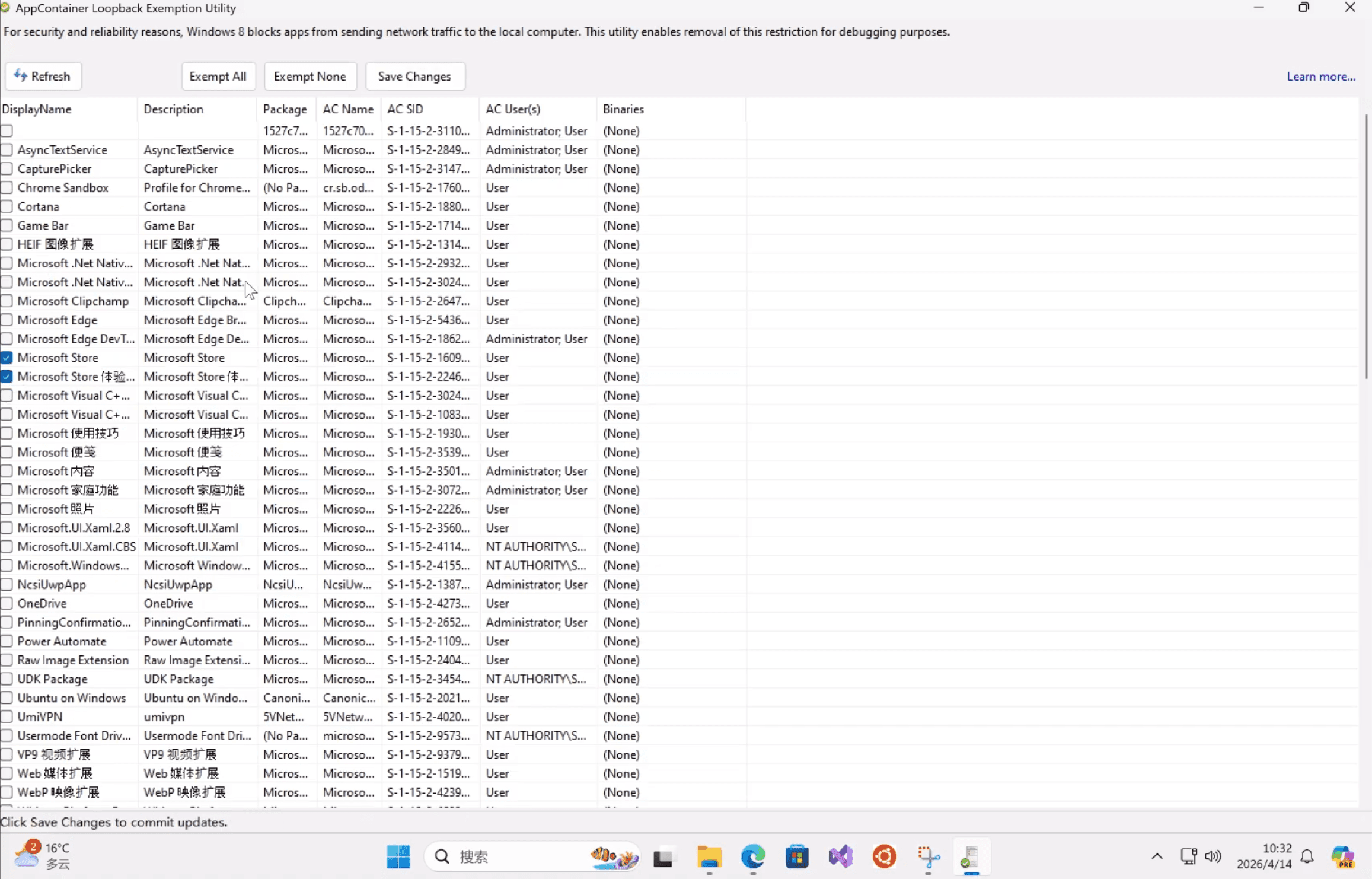
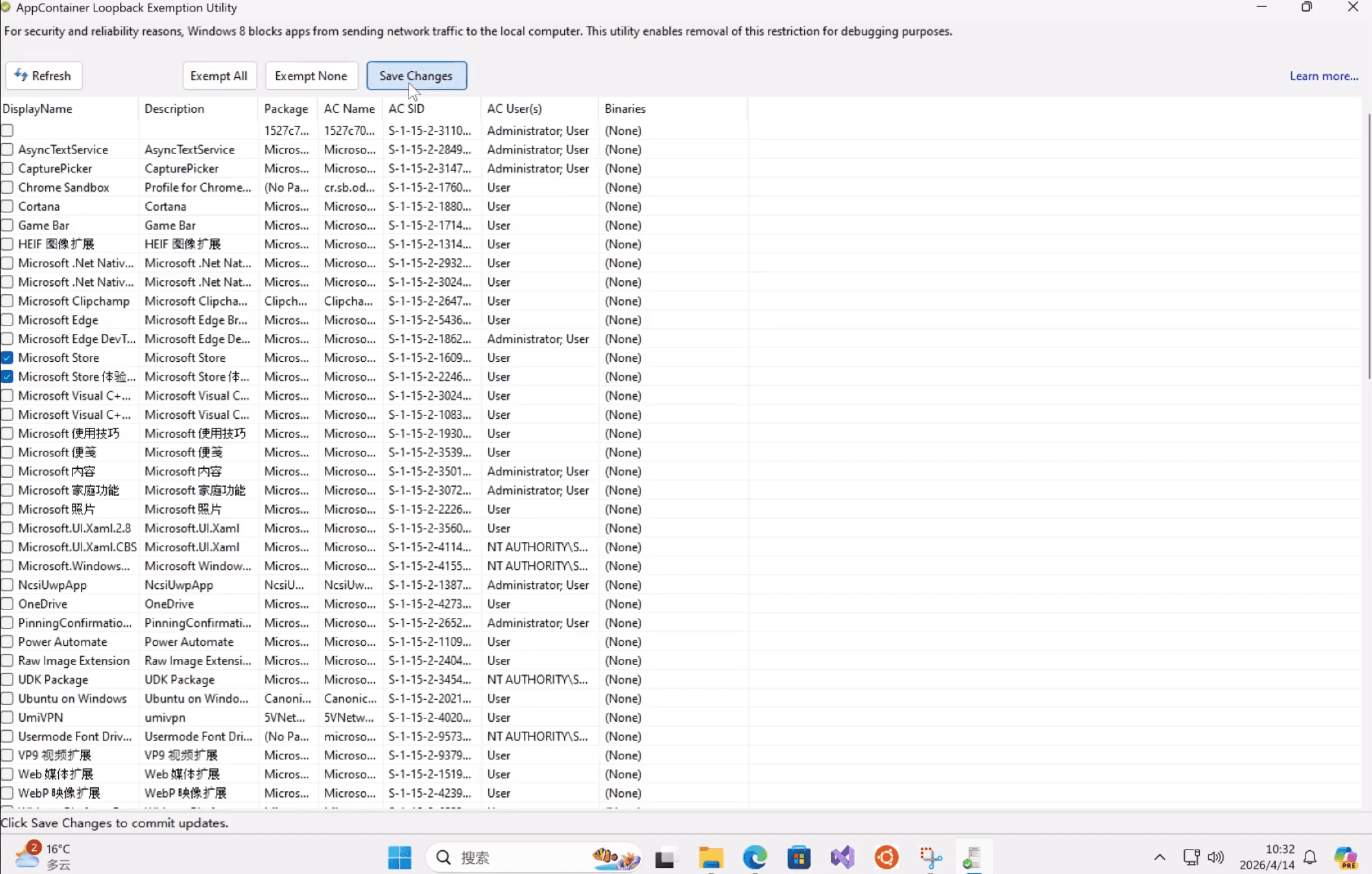
5. Click "Save Changes"
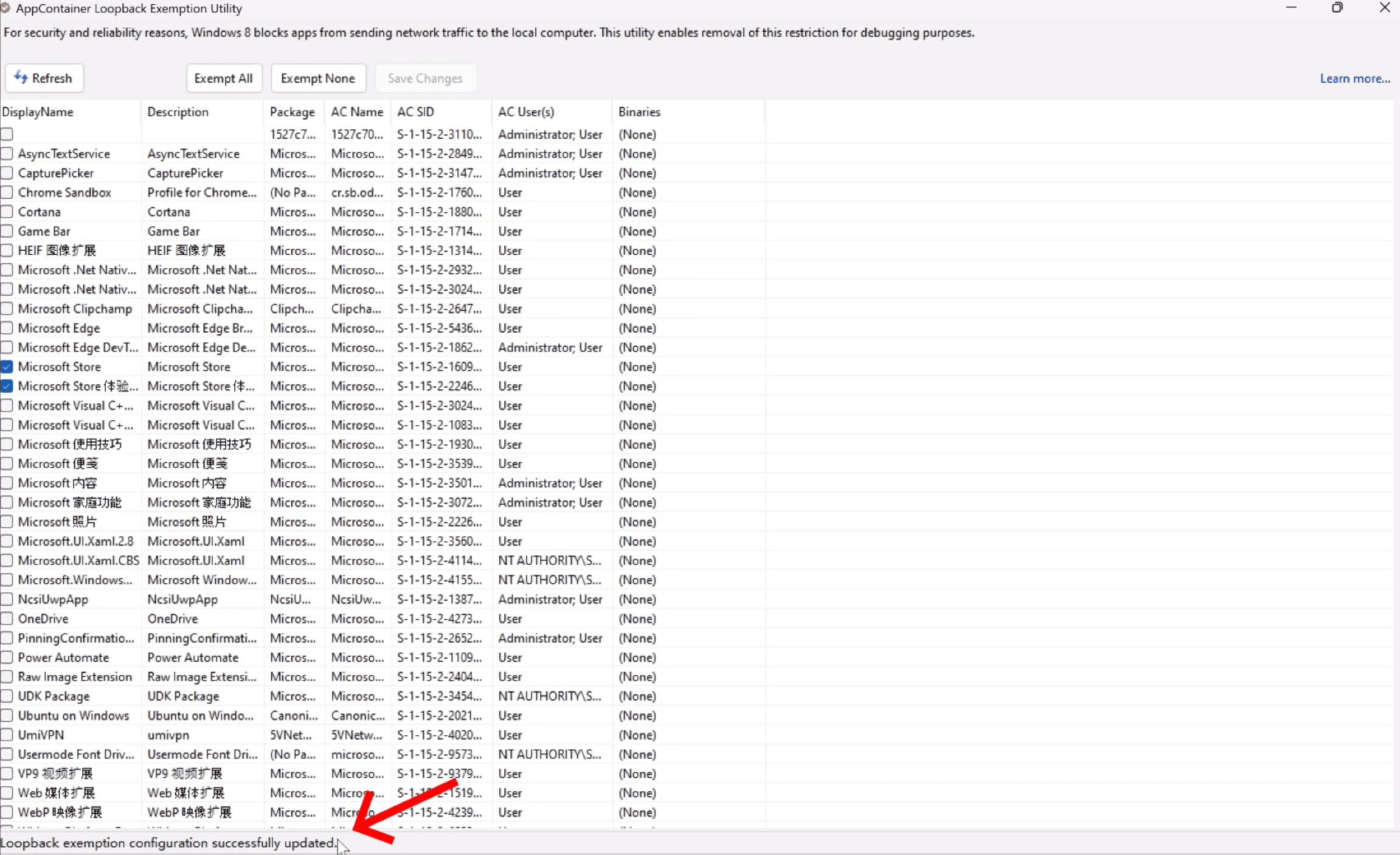
7. Verify success
To undo later, return to the same tool and remove the exemption for those apps.
When you need this
- You use System Proxy inbound mode on windows and a Microsoft Store app fails to be proxied.
Related
- VX installation — install the Windows client first.